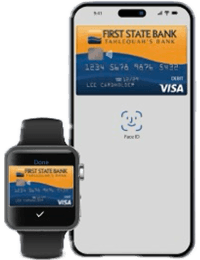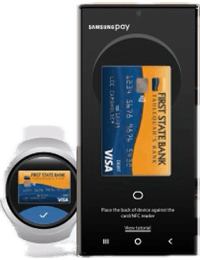
Your First State Bank debit card. Now on your phone.
Enjoy a fast, convenient and secure way to pay with your First State Bank debit card. Add your card to Apple Pay®, Google Wallet™ or Samsung Wallet™ and use your compatible device to make purchases in stores, in apps and online.
Mobile wallets add an extra layer of security by helping protect your card information when you pay.
Choose Your Mobile Wallet



Ready to Get Started?
- Open the wallet app on your compatible device.
- Select the option to add a debit or credit card.
- Scan your First State Bank debit card or enter your card information.
- Follow the prompts to verify your card.
- Once verified, you're ready to pay.
Need Help?
Having trouble adding your First State Bank debit card to your mobile wallet? Contact us and we'll be happy to help.
*Apple and Apple Pay are trademarks of Apple Inc., registered in the U.S. and other countries and regions. Google Wallet is a trademark of Google LLC. Samsung and Samsung Wallet are trademarks of Samsung Electronics Co., Ltd.